
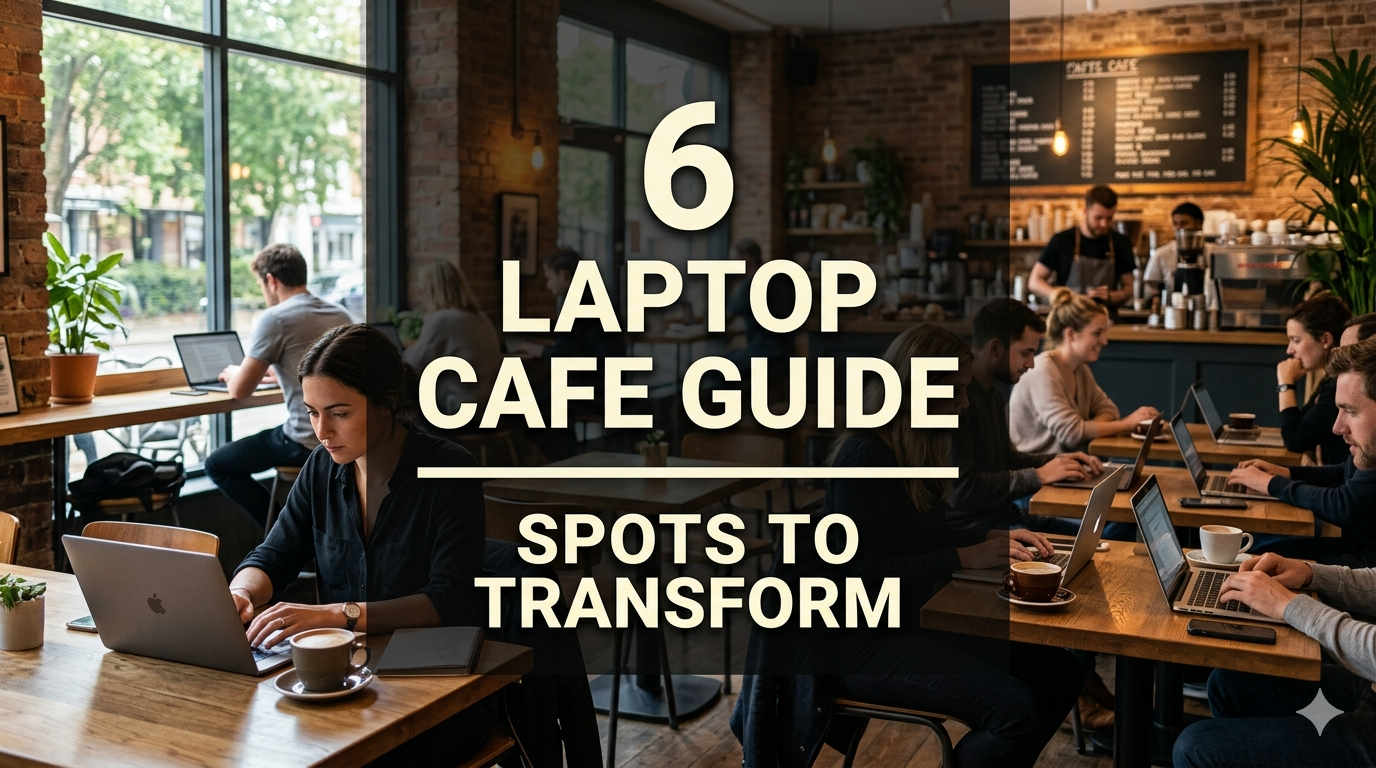
You don’t need to be stuck at home to get work done.
Increasingly, people are picking up their laptops and going to cafes. Students finish assignments there. Freelancers hold virtual meetings. Remote workers are spending whole afternoons sipping coffee and smashing their to-do lists.
The thing is, not every cafe is a good workspace.
Some are too noisy. Some have terrible Wi-Fi. Some are short on places to plug things in. Choose poorly, and you’re easily doomed to lose your focus — a sinkhole of wasted time.
This is why a well-rounded laptop cafe guide is important. The right cafe should feel like your second office — one that offers respectably good coffee, a comfy chair, and an atmosphere to keep you chugging along.
This guide covers six types of laptop cafe spots that work for just about everybody. Whether you’re a student who just wants peace and quiet, a freelancer looking to work away from home, or anyone in between who needs somewhere comfortable to think straight — we’ve got you covered.
Let’s get into it.
Why So Many People Are Working From Cafes
Working from a cafe isn’t just a trend. It’s becoming a lifestyle choice.
Data shows that today, millions work outside of the traditional office. And cafes rank high on the list of places these workers choose.
Why? Because cafes provide something a home desk can’t always offer — a change of scene. New surroundings can actually stimulate your brain. It signals that it’s “work time,” which helps you get focused more quickly and stay on task longer.
Plus, there’s the social energy. The presence of others, even strangers, can help you feel less alone and more inspired.
But again, not every cafe makes the cut. So what really makes a cafe work for laptop users?
Spot #1 — The Quintessential Indie Coffee Shop
This is the type most people think of first. And for good reason.

Independent coffee shops tend to be smaller and quieter than chain cafes. They’re run by people who genuinely care about the experience. The vibe is warmer. The staff tends to be more relaxed about how long you linger.
What Makes Indie Cafes Special
For one, the volume is often lower. No loud music blasting. No huge crowds all at once. Just the quiet murmur of conversation and the sound of an espresso machine doing its thing.
Second, independent cafes usually offer more interesting seating — cozy corners, wooden tables by windows, and even private nooks that give you the feeling of your own little office.
Third, many indie shops have regulars — people who come in and work for hours every day. That culture makes it perfectly acceptable for you to do the same. Nobody gives you the side-eye after your second hour.
Things to Watch Out For
Wi-Fi isn’t always comprehensive. Some independent cafes provide solid internet. Others run on a home router that struggles to serve five people at the same time.
Always ask about Wi-Fi speed before you order. You can even run a speed test on your phone before committing to a seat.
Also check the outlet situation. Many vintage-style cafes don’t have many power points. If you need to plug in, take a quick look around the room before picking your table.
Best for: Writers, students, solo freelancers, anyone who wants a quiet creative space.
Spot #2 — Specialty Coffee Chains That Feel Like Workspaces
Look beyond the average chain experience.
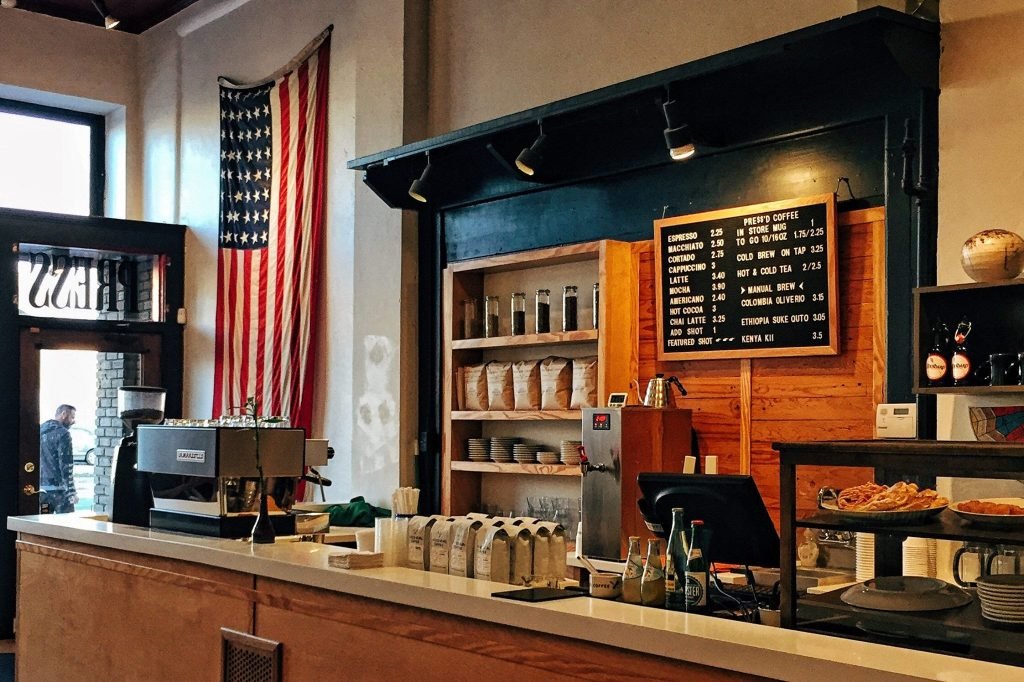
Larger specialty coffee chains have made deliberate adjustments to attract remote workers. These aren’t your run-of-the-mill fast-food-style coffee shops — they’re designed for longer visits.
Why These Chains Actually Work
They have consistent Wi-Fi. Many major chains invest in improved internet infrastructure because they understand what their customers need. You get a fairly reliable connection most of the time.
They also tend to have more seating options — high tables, low tables, armchairs, bar-style seats along the window. There’s usually a layout for every kind of worker.
Hours are another plus. Many chains open early and close late. If you’re a morning person starting at 6 AM, or a night owl who needs somewhere until 10 PM, chains are more reliable than independent shops with less regular hours.
Chains That Are Ideal for Laptop Workers
Not all chains are equal. Look for ones that have:
- Tables that aren’t crammed too close together
- Outlets every few seats
- A culture of longer stays
Steer clear of chains with a fast-turnaround strategy — small tables, no outlets, and staff who hover the moment the rush begins.
Best for: Anyone who needs consistency, long hours, and reliable internet.
Spot #3 — Cafe-Style Co-Working Spaces
This one is a little different, but it’s growing fast.
Co-working spaces used to mean signing up for a full desk for months. Now, many have established cafe-style areas where you can drop in for the day — or just a few hours — for a small fee.
These are purpose-built workspaces. Everything is designed with productivity in mind.
The Value of Co-Working Cafes
The Wi-Fi is generally excellent. These places depend on remote workers, so they invest heavily in fast, stable internet. Many also offer Ethernet ports for those who need extra reliability.
Outlets are plentiful. You won’t have to fight for a plug or trail your charger across the room.
The seating is ergonomic. Proper office chairs, adjustable desks, sometimes standing desks. If you’ve ever finished a cafe session with a sore back, this will make immediate sense.
There’s also a professional energy. Everyone around you is working. No boisterous groups of friends. No music videos rolling on a screen. Just productive, focused people — and that kind of vibe is infectious.
The One Downside
You typically have to pay to use these spaces. Prices vary, but a day pass usually costs anywhere from a few dollars to $20 or more, depending on the city and facility.
For many people, that cost is well worth it. For others, it’s a deal-breaker.
If you’re organizing a long workday and need everything to run smoothly, the co-working cafe is typically the most reliable option on this entire list.
Best for: Full-time remote workers, developers, designers, anyone doing video calls.
Spot #4 — Bookstore Cafes
Bookstore cafes are a hidden gem for laptop work.
They combine two things that practically belong together — books and coffee — and the result is often one of the quietest, most focused environments you’ll find outside of a library.
What Makes Them Special
The vibe is made for reading and contemplating. People are usually low-key and mindful. You won’t find anyone yelling across tables or blasting music.
The pace is slow. Bookstore cafes aren’t under the same lunchtime crunch as regular cafes. People browse, sit down, read, and linger — and that culture gives you the perfect environment to open your laptop without anyone rushing you along.
There’s also something inspiring about being surrounded by books. If you write, research, or do creative work, the environment may feed your imagination.
What to Check Before You Go
Bookstore cafes can be hit or miss on Wi-Fi quality. Many are perfectly set up for remote work. Others feel like Wi-Fi was an afterthought.
Ask in advance or read reviews online. Look for mentions of good internet and the ability to sit and work comfortably.
Also, seating can be limited. Cafes in popular bookstores fill up quickly — particularly on weekends. Your best chance of getting a good spot is arriving on a weekday morning.
Best for: Writers, creatives, students doing research, anyone who enjoys a quiet scholarly atmosphere.
Spot #5 — Hotel Lobby Cafes
This one surprises people. But hotel lobby cafes are genuinely underrated.
Hotels spend considerable effort designing their lobbies to feel welcoming and comfortable. The seating is usually excellent. The Wi-Fi is nearly always fast. And here’s the thing — you don’t even need to be a guest to sit there and work.
Why Hotel Lobbies Work So Well
The seats are designed to impress. Hotels want their lobbies to project quality and comfort — real armchairs, proper tables, and cozy configurations. Your back will appreciate it after a few hours.
The Wi-Fi is reliable. Hotels cater to business travelers who depend on strong internet around the clock. They can’t afford poor connectivity, so they invest in solid infrastructure.
The atmosphere is calm. Hotel lobbies have a muted, businesslike energy. No blasting music. Conversations are kept at a respectable volume. It’s genuinely one of the better environments for focused work.
How to Do This the Right Way
Order something from the cafe area. Most hotel cafes welcome non-guests, and purchasing a coffee or meal is the polite way to occupy the space.
Some high-end hotels have lobby policies that restrict access to guests only, so it’s worth calling ahead. However, at the vast majority of mid-range hotels, this is perfectly fine.
Best for: Phone calls, client meetings, anyone who wants an upscale, quiet atmosphere without paying co-working rates.
Spot #6 — University or College Cafes
If you can access one — or live near a university — this is one of the best-kept secrets for laptop users.
University cafes are built to support students spending long hours behind their laptops. That means the infrastructure is almost always solid and the culture is built around productivity.
What University Cafes Offer
Wi-Fi is usually fast and capable of supporting hundreds of users simultaneously. University networks are designed for heavy use — lecture streams, file uploads, video calls. For a remote worker, that’s a significant advantage.
Outlets are common. Campus buildings are designed with the expectation that students will need to charge their devices throughout the day. Power points are plentiful.
The work culture is the default. Everyone around you has something they need to get done. The study culture naturally keeps noise levels low.
Many university cafes are open to the public or alumni as well. Some require a small purchase; others have no restrictions on entry. It’s worth checking before your first visit.
Tips for Using University Cafes
Try to avoid the 11 AM to 1 PM window — that’s when students tend to break for lunch and things get busier. Early mornings and late afternoons are quieter.
If you’re a student or alumni, use your credentials. You may have better Wi-Fi access or entry to quieter sections beyond the main cafe area.
Best for: Students, alumni, and anyone doing research-heavy or long-session work.
Quick Pro Tips for Getting the Most Out of Any Laptop Cafe
Finding the right spot is step one. Step two is knowing how to make the most of your time there.
Here are a few practical tips that apply to all six types of venues in this guide.
Always Run a Wi-Fi Speed Test First
Don’t connect and assume the internet is good. Before you settle in, use a free speed test tool on your phone — anything above 20 Mbps download is solid for most work. Video calls require at least a stable 10 Mbps. You can run a quick test at Speedtest by Ookla in under 30 seconds.
If it’s slow, try moving to another part of the room — or choose a different day.
Bring the Right Gear
Pack light but smart. Here’s what’s worth bringing to any cafe work session:
- Laptop charger (always)
- A small power strip if you need to run several devices
- Noise-canceling headphones
- A laptop stand if you plan to stay more than two hours
- A reusable water bottle — to keep you hydrated between coffee orders
Be Respectful of the Space
If the cafe is busy, don’t occupy a four-person table by yourself for five hours. Pick a spot that suits your group size.
Buy something new every few hours. It’s the right thing to do. Cafes are businesses, and your presence occupies a seat that could be generating revenue.
Keep video calls brief, or use headphones and speak quietly. Nobody around you wants to sit through your Zoom meeting.
Have a Backup Plan
Even the best spots can have off days. The Wi-Fi goes down. A loud event starts up. A group of ten sits directly next to you.
Always have a backup cafe in mind. Having a “Plan B” ready saves stress and wasted time when your first choice falls through.
How to Find New Laptop Cafe Spots in Your City
This guide covers the types — but how do you find specific spots near you?
Here are the easiest methods:
Google Maps: Search “cafe with Wi-Fi near me” or “laptop friendly cafe,” then sort by reviews. Look for phrases like “great for working” or “good for studying” in the review text.
Yelp: Similar search, but Yelp reviewers tend to be more detailed. Look for specific mentions of Wi-Fi quality, outlet availability, and how long you can stay.
Reddit: Search “[your city] + cafe for remote work.” Local communities are incredibly helpful. You’ll get honest recommendations from people who work there regularly.
Instagram: Hashtags like #laptoplife, #remotework, and your city’s name can surface aesthetic cafes that double as great workspaces. If a place looks calm and photogenic, that’s usually a good sign.
Workfrom.co: A site dedicated to remote workers reviewing spaces specifically for productivity. Ratings cover Wi-Fi, noise, power availability, and coffee quality.
What to Avoid in a Laptop Cafe
Knowing where to go is just as important as knowing what to avoid.
Here are the warning signs that a cafe isn’t worth your time:
- No Wi-Fi password posted — More often than not, this means the internet is weak and they’re hoping you don’t test it
- Small tables crammed together — You’ll have no personal space and will be constantly bumped or distracted
- Loud background music — If you can clearly hear the music from the door, it’s only going to get more distracting once you’re inside trying to concentrate
- No outlets in sight — A cafe with no visible power points was not designed with laptop users in mind
- Signs reading “30-minute seating limit” — Some cafes post these during high-demand periods. Check before committing your morning to the spot
- Strong kitchen smells — Cafes that do a lot of cooking can have powerful scents that become distracting over a long session
FAQs About Laptop Cafe Spots
Q: Do I need to buy something to use a cafe for work? Yes, in most cases. Even if it’s not a hard rule, purchasing a drink or snack is the polite thing to do. Think of it as paying for the space and Wi-Fi. Buying something every hour or two is a reasonable approach.
Q: How can I tell if a cafe’s Wi-Fi is strong enough before heading there? Search for the most recent Google or Yelp reviews and filter for mentions of Wi-Fi. You can also look the cafe up on Workfrom.co. Once you arrive, run a quick speed test on your phone before unpacking.
Q: Is it inappropriate to take video calls in a cafe? It depends on the noise level and type of cafe. If the cafe is quiet, lower your voice and wear headphones. If it’s busy and loud, a brief call is generally acceptable. Long, frequent calls in quiet environments are widely considered impolite.
Q: How long can I stay in a cafe with my laptop? Cafes generally don’t impose hard time limits, but courtesy suggests ordering something every two to three hours during busy periods. You can usually stay longer during off-peak times without any issue.
Q: What’s the best time to visit a laptop cafe without being crowded out? 7 AM to 10 AM on weekdays tends to be the quietest. Between 2 PM and 4 PM is another good window — after the lunch rush dies down. Weekends are generally busier than weekdays.
Q: Can non-guests use hotel lobby cafes? Yes, many hotels are happy to welcome visitors to their lobby cafes. Most mid-range and business hotels allow non-guests if you’re purchasing something. Some luxury hotels have guest-only policies during high-demand periods. It’s always best to check the hotel website or call ahead.
Q: What equipment should I always pack for a cafe work session? Your laptop charger, noise-canceling headphones, and a fully charged device are the essentials. A small portable power strip can be a lifesaver in cafes with few outlets. If you’re planning to stay for a few hours, a laptop stand is worth the extra bag space.
Conclusion — Build Your Own Laptop Cafe Rotation
The best remote workers don’t rely on just one place to work.
They build a rotation. They know which cafe is best for a quiet morning of writing. They know which chain to hit when they need solid Wi-Fi for a full day of calls. They know the hotel lobby that’s ideal for a professional client meeting.
This guide gives you six solid types of spots to work with. Now it’s about trying them out, noticing what fits your personal work style, and building your own curated list of go-to spots. For more detailed reviews and city-specific recommendations, Laptop Cafe Guide is a great place to start.
Your perfect workspace exists somewhere. Sometimes it smells of espresso. Sometimes old books. Sometimes hotel lobby air freshener.
Any one of them can be exactly what you need — if you know how to use it.
Now close this tab, pick up your laptop, and go find your new favorite spot.